

Volume Control
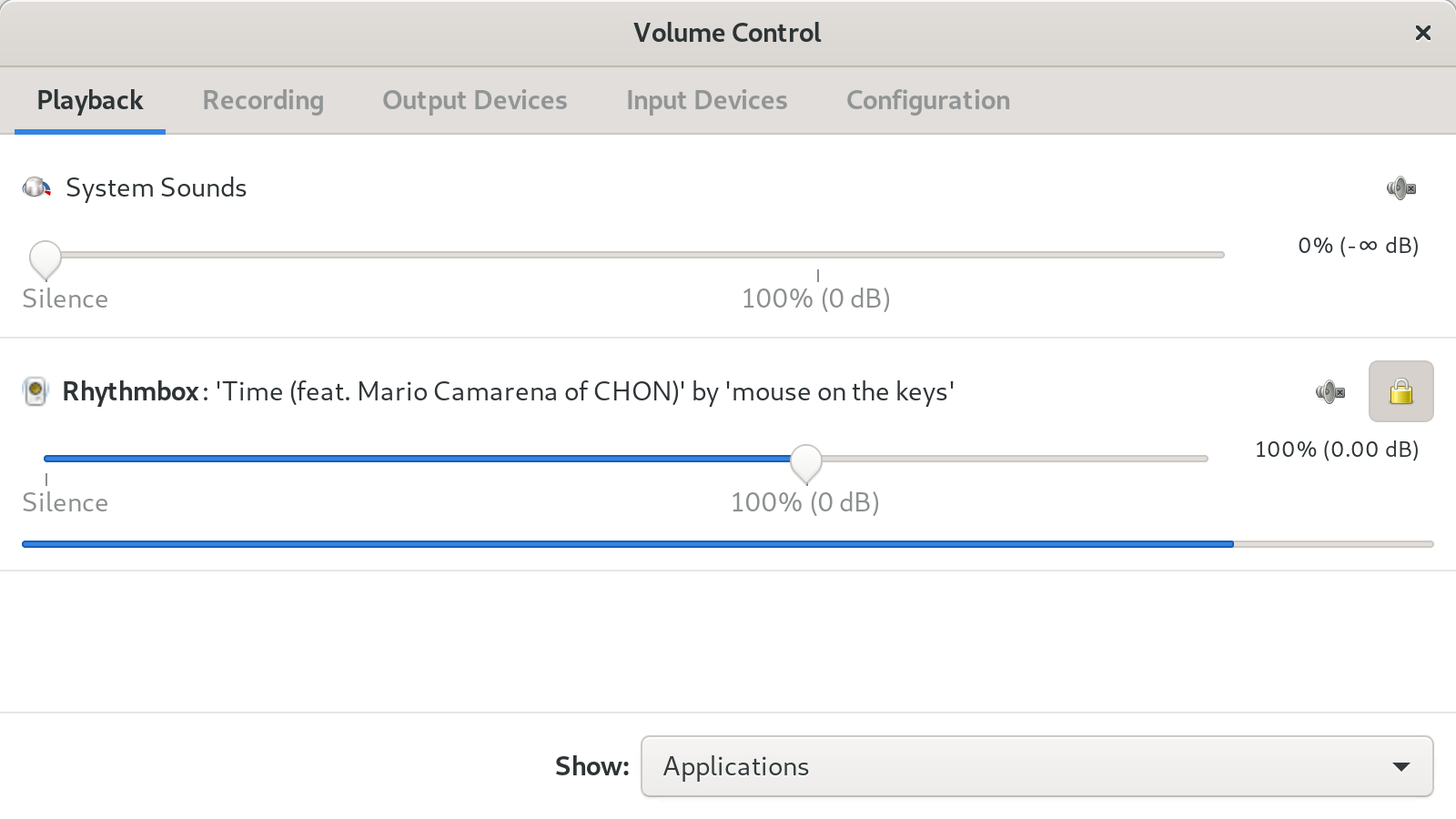
Discover how the Volume Control audio mixer for Linux gives you independent, precise command over every hardware device and active application stream.
Managing audio streams on Linux can sometimes feel like a balancing act, but the Volume Control audio mixer, officially known as PulseAudio Volume Control (pavucontrol), changes the game entirely. Developed by The PulseAudio Developers, this utility provides an exceptional level of granular control over your system's sound environment. Unlike traditional, rigid mixing tools that only let you adjust the master volume, this software allows you to govern the output levels of individual applications and hardware channels independently.
Why Use This Advanced Volume Control Audio Mixer?
Most desktop environments come with a basic slider that changes the global volume. However, modern workflows demand more flexibility. If you are running a VoIP call in the background while listening to music or capturing game audio, a unified slider simply won't cut it. The Volume Control audio mixer solves this by exposing every active audio stream on your system, letting you adjust, mute, or redirect them on the fly.
Key Capabilities and Features
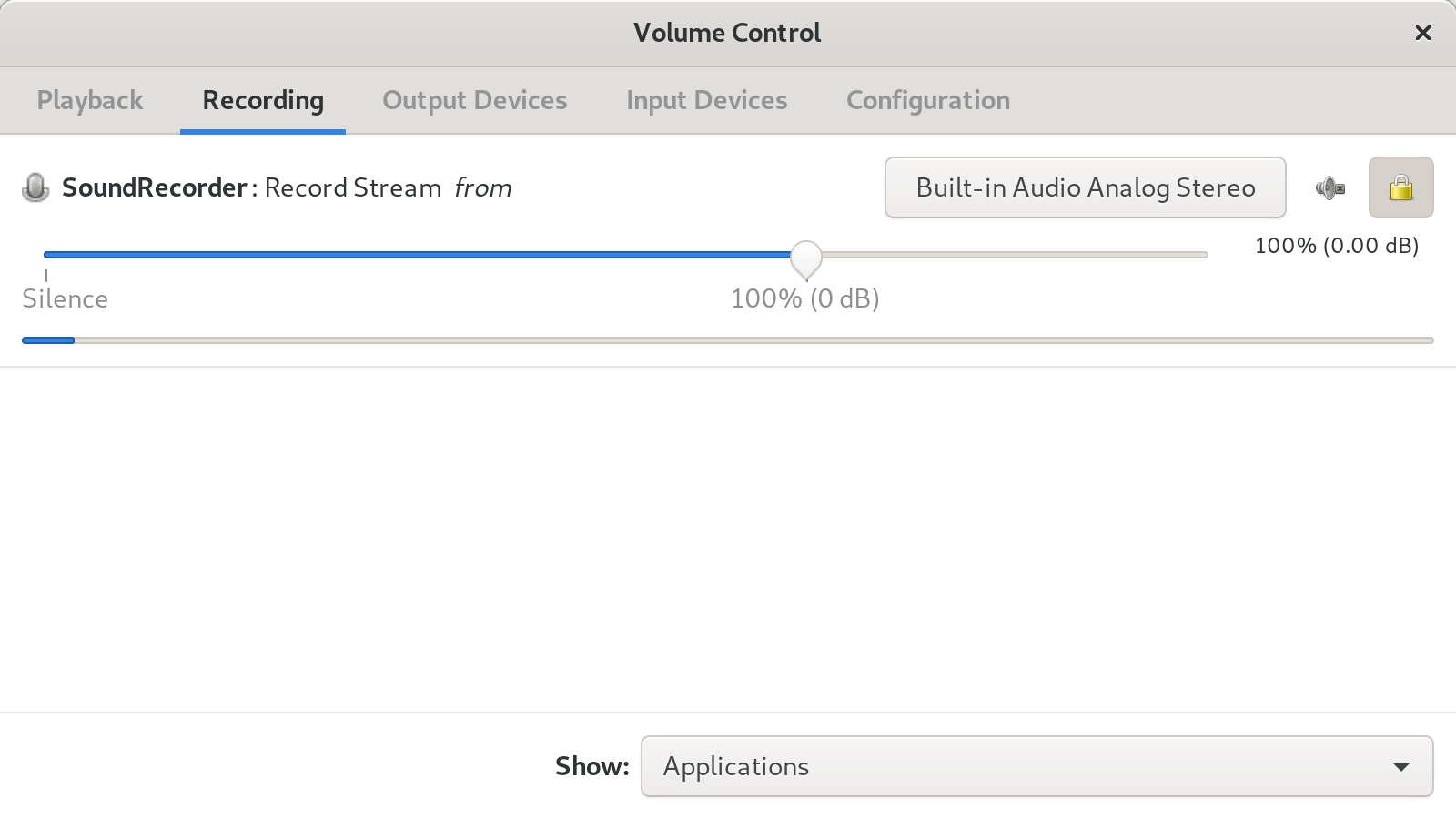
- Per-Application Volume Levels: Lower the volume of a noisy web browser while keeping your media player or communication app loud and clear.
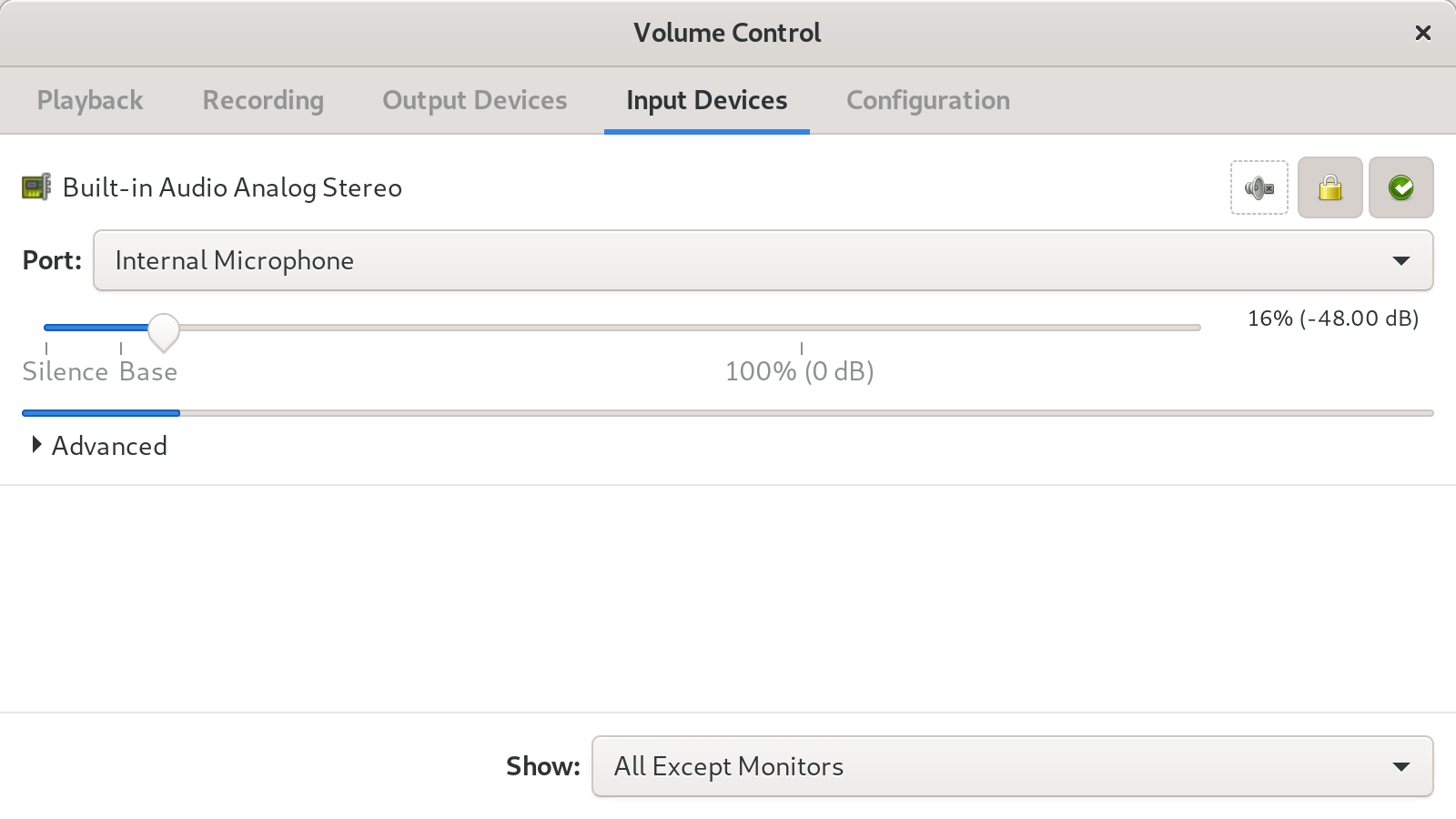
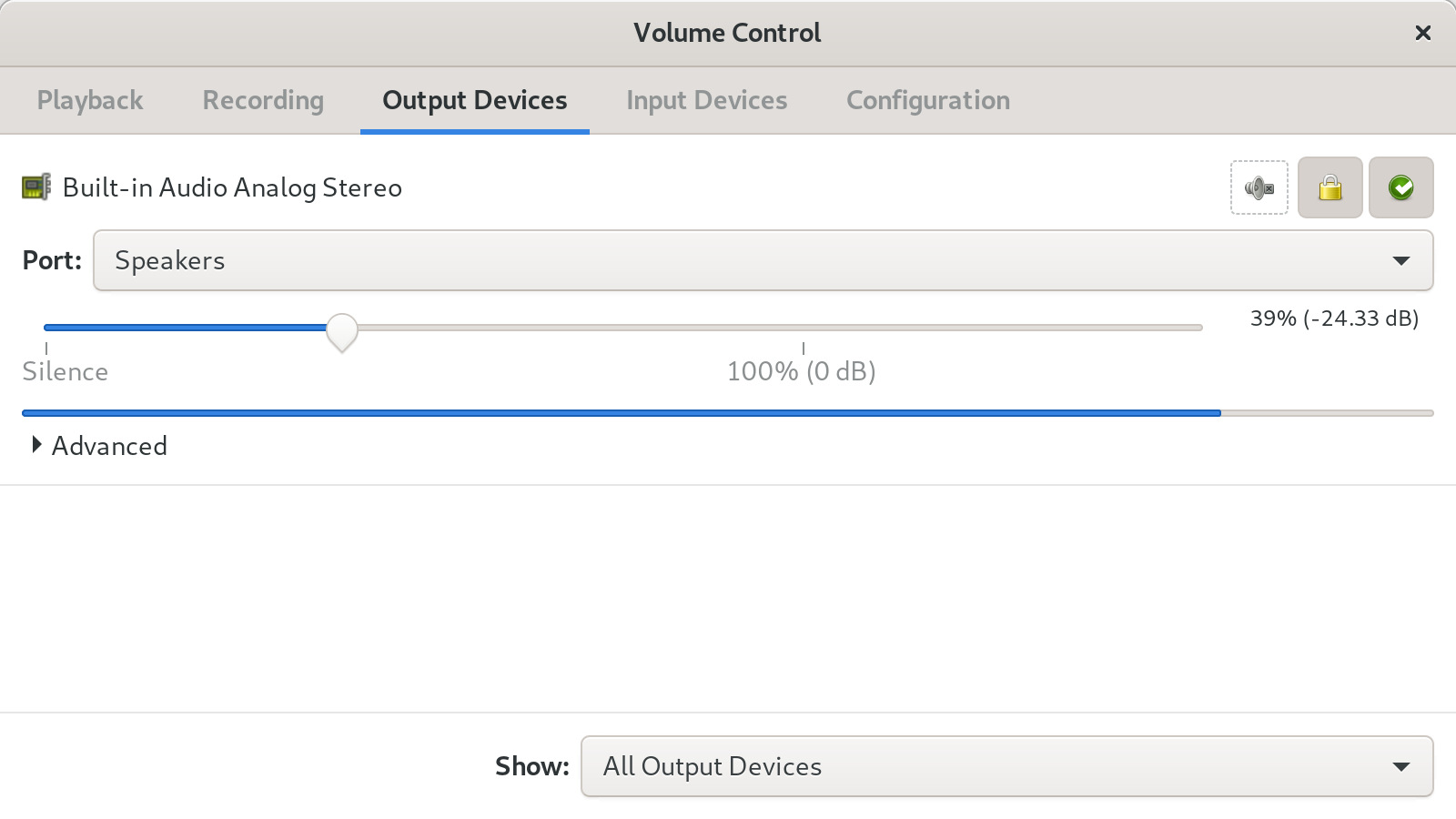
- Hardware Device Management: Easily configure your input and output devices, adjusting balance and levels for microphones, headphones, and external speakers.
- On-the-Fly Routing: Move a running playback stream from one physical output device to another instantly without restarting the application.
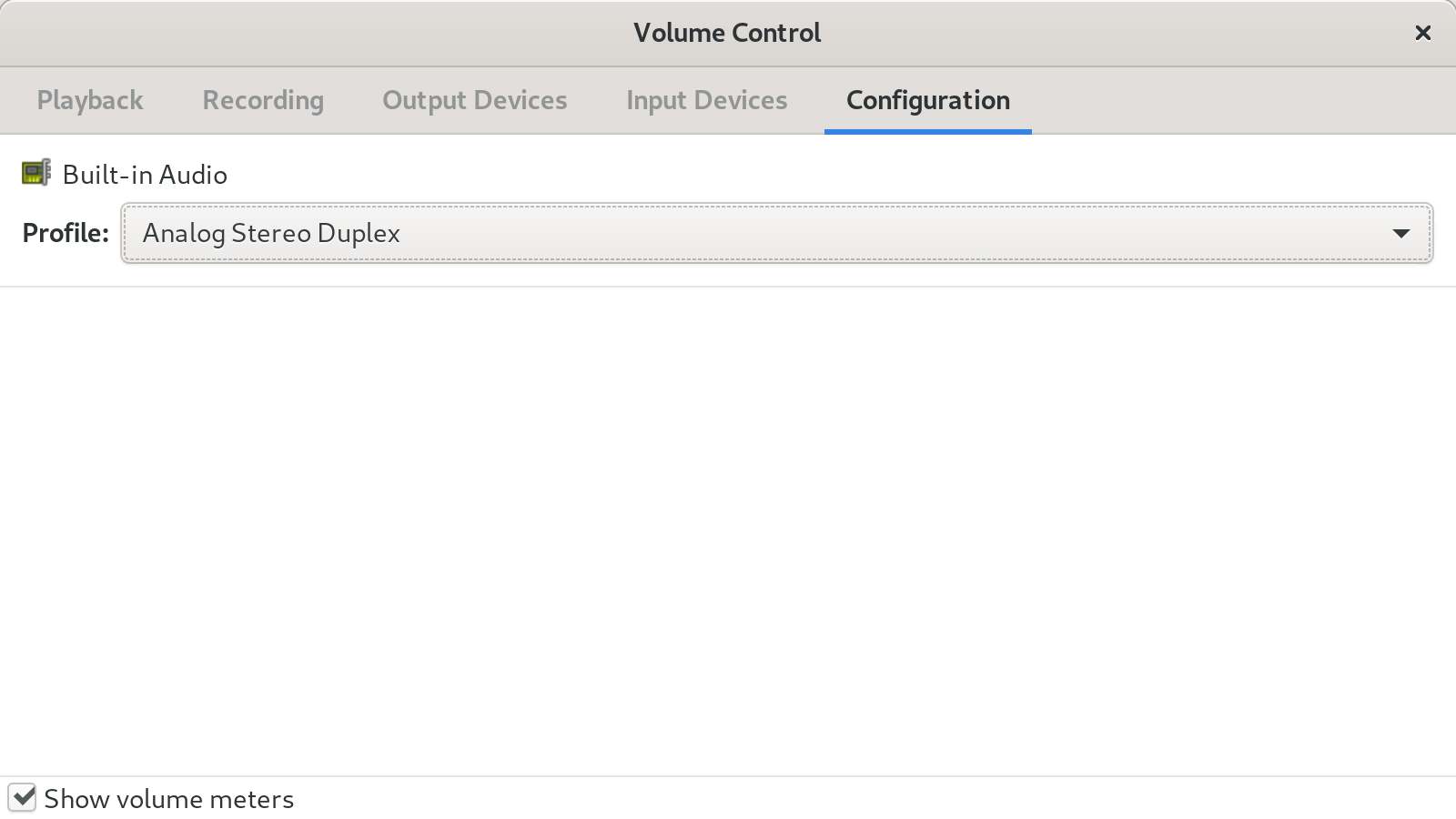
- Profile Selection: Quickly switch hardware profiles (such as stereo, 5.1 surround, or HDMI output) directly from a clean user interface.
Who Is It For?
Whether you are a casual user trying to tame noisy browser tabs, a content creator managing microphone inputs, or a power user routing audio across multiple hardware interfaces, this Volume Control audio mixer is an indispensable tool for your Linux toolkit. It removes the guesswork from audio troubleshooting by showing you exactly which applications are producing sound and where that sound is going.
Take Control of Your Audio Experience
If you are ready to move beyond basic master volume sliders and want true, application-level command over your soundscape, this tool is highly recommended. To get started and explore the utility firsthand, visit the official Flathub store page to learn more about setting up the Volume Control audio mixer on your system.