

Sound Recorder
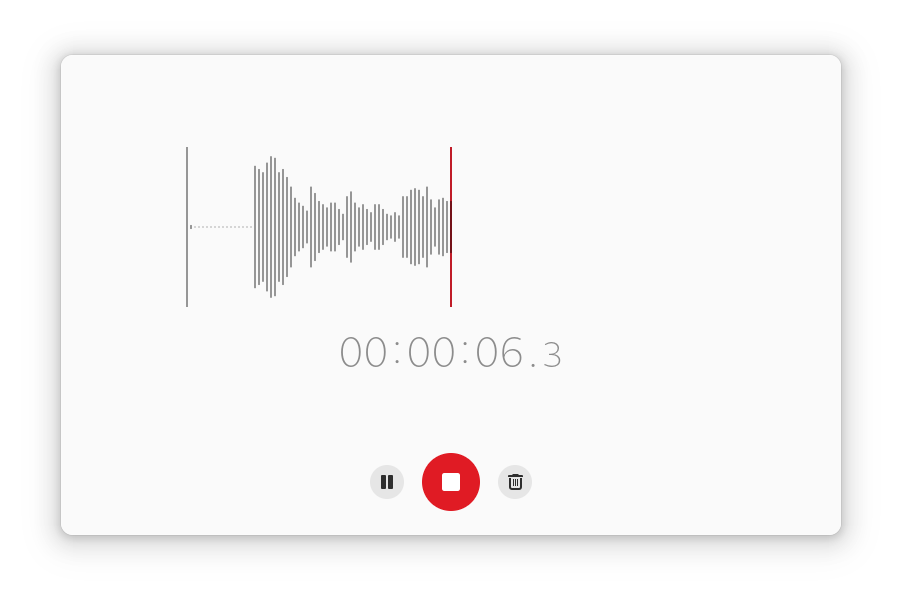
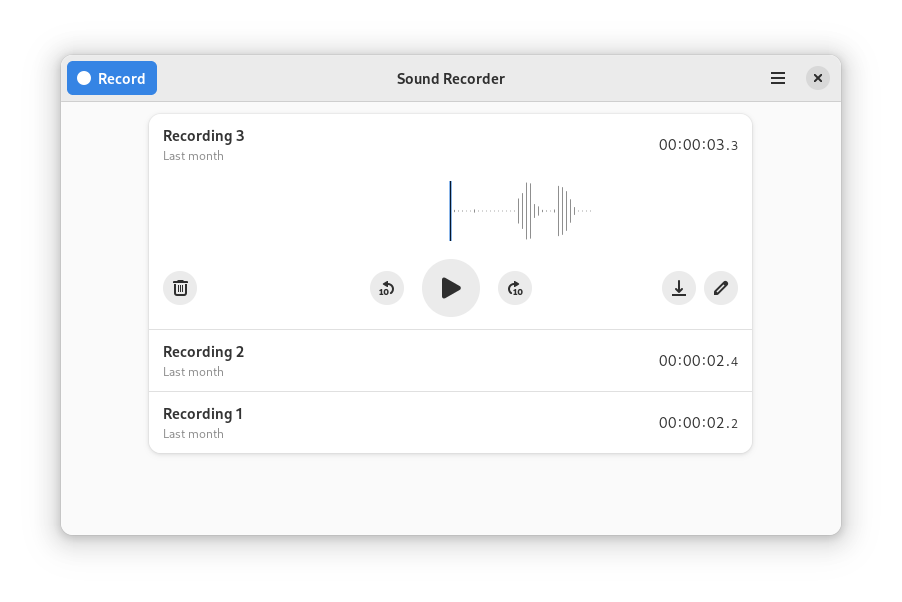
Discover how the GNOME Sound Recorder audio recording app simplifies voice memos and editing on Linux. Read our full review of its features.
An Elegant Solution for Linux Audio Capture
Finding a reliable utility for quick voice captures on Linux can sometimes lead to overly complex software. The
Key Features of the Sound Recorder Audio Recording Utility
This software is built to handle everyday recording tasks with ease. Whether you are capturing a lecture, drafting a song idea, or creating quick voice memos, it provides several thoughtful features:
- Seamless Auto-Saving: The application automatically manages the saving process behind the scenes. This ensures you never have to worry about losing your work or accidentally discarding an important previous recording.
- Broad Format Support: It natively supports a wide range of popular audio formats, including Ogg Vorbis, Opus, FLAC, MP3, and MOV, giving you the flexibility to choose the right balance of quality and file size.
- Basic Editing Tools: Beyond simple playback, you can perform basic editing tasks directly within the app to clean up your captured files.
Who Benefits Most From This Tool?
The Sound Recorder audio recording application is ideal for students, journalists, and developers who need a lightweight, no-nonsense tool to document ideas quickly. Because it integrates perfectly with the GNOME desktop environment, Linux users get a native experience that feels cohesive and highly responsive. It avoids the steep learning curve of professional digital audio workstations while still delivering high-quality output files.
Streamline Your Workflow Today
If you are looking for a clean, modern, and reliable way to manage voice memos and audio files on your Linux system, this utility is an excellent choice. To try it out and see how it fits into your daily workflow, head over to the official Flathub store page to get started.