TravellerMap
Read our comprehensive review of TravellerMap, the offline topographic navigation app for Windows designed to guide you through off-road adventures.
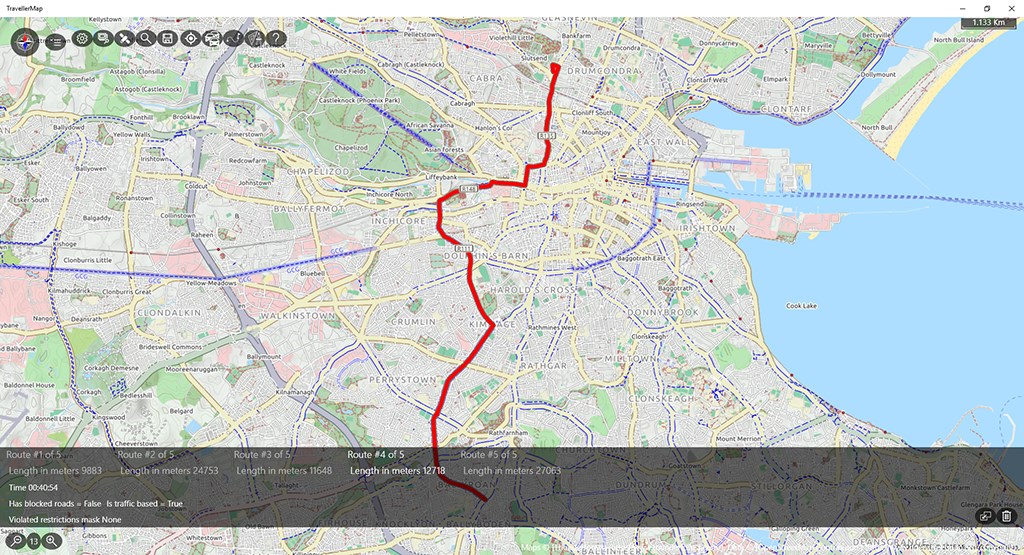
Venturing off the beaten path is exhilarating, but losing your way in areas with zero cellular reception can quickly turn an adventure into a hazard. Standard mapping applications often fall short when roads disappear, leaving hikers and explorers stranded without reliable guidance. The TravellerMap offline navigation app for Windows addresses this exact challenge, turning your device into a robust, dedicated GPS receiver designed for rugged, off-road exploration.
What is TravellerMap Offline Navigation?
Developed by NortherlyWind, this specialized utility brings the dependable functionality of classic handheld GPS devices—like those from Garmin or Magellan—directly to your Windows platform. Whether you are trekking through deep wilderness or navigating unmarked terrain, this application provides the essential tools required to keep you oriented and moving in the right direction.
Key Features for Off-Road Exploration
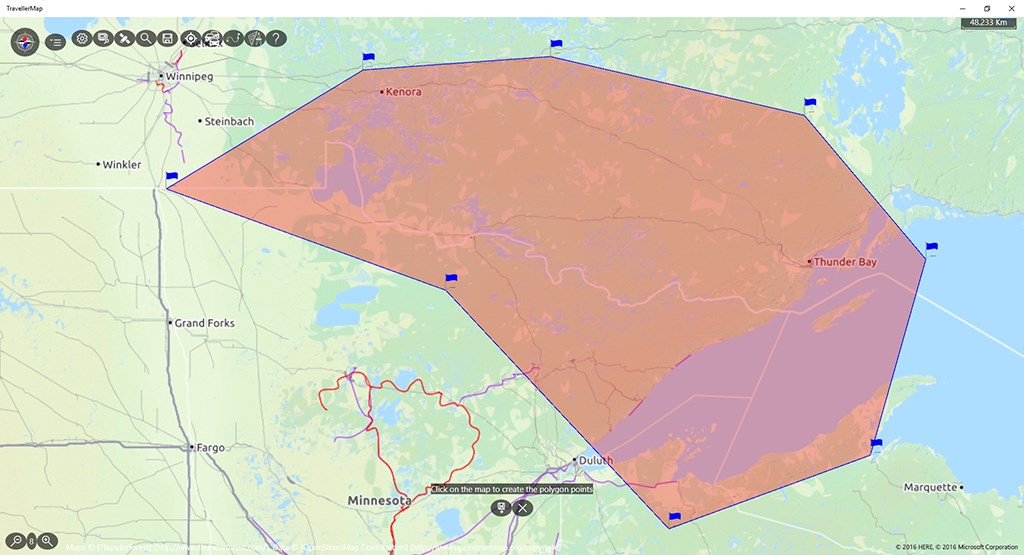
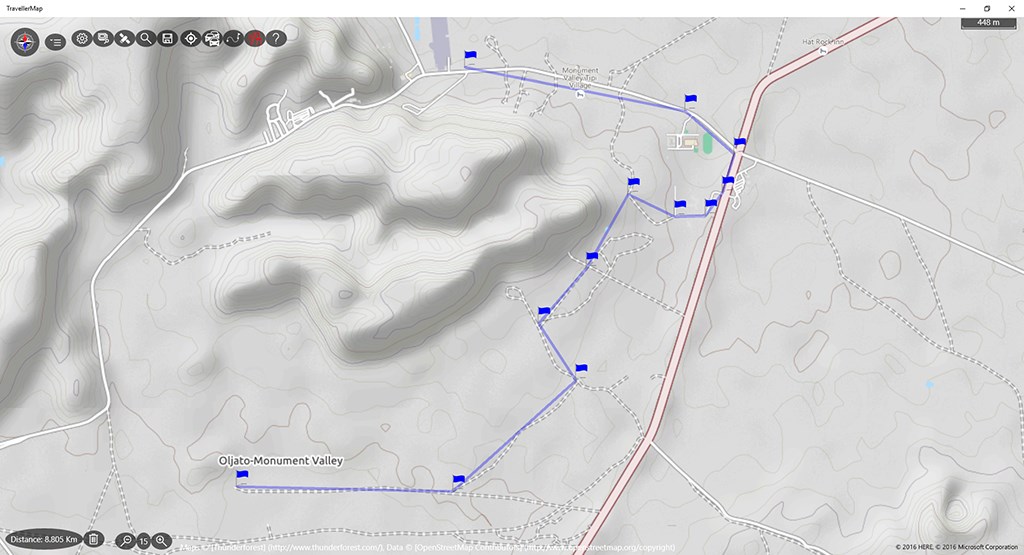
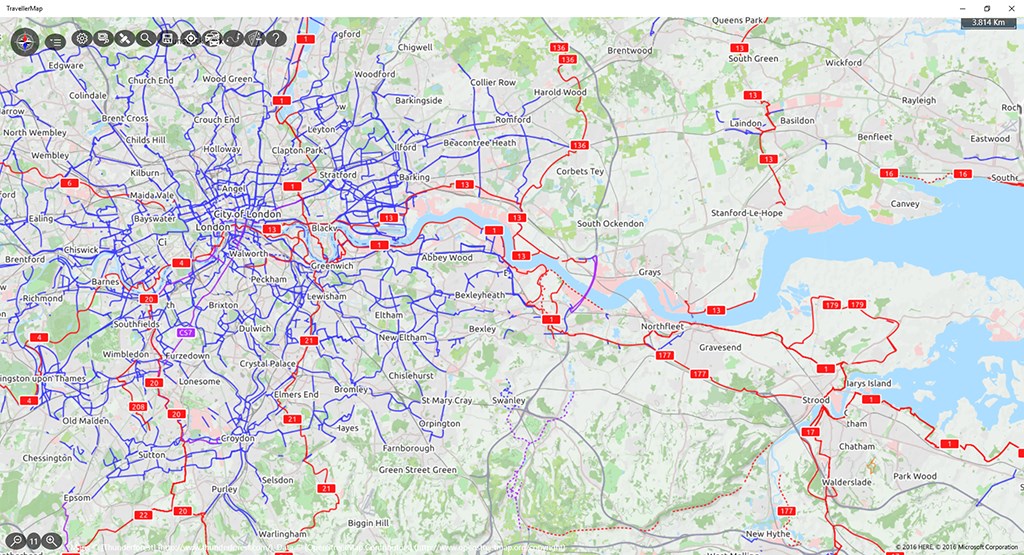
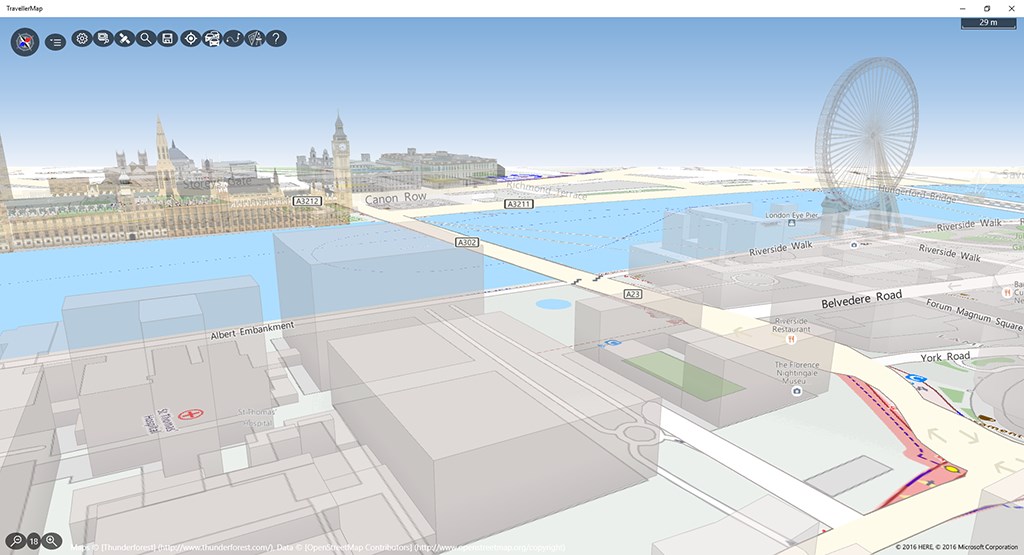
- Open Street Map (OSM) Integration: Leverage highly detailed global topographic maps that highlight trails, physical features, and terrain details missing from standard road maps.
- True Offline Capability: Prepare for remote expeditions by downloading specific map fragments in batches. This ensures you have full access to your map layers even when completely disconnected from the internet.
- Advanced Waypoint Management: Easily create, edit, and store custom destinations, allowing you to plot out your route before you set foot on the trail.
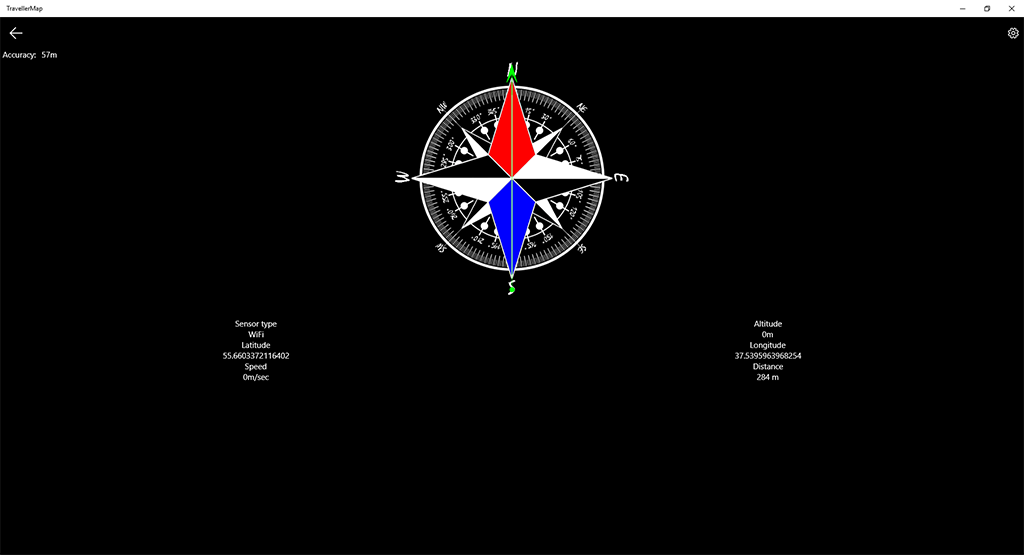
- Real-Time Instrument Dashboard: Monitor your progress with a dedicated dashboard displaying crucial telemetry, including your current speedometer reading, average travel speed, moving direction, and altitude.
- Point-to-Point Guidance: Utilize the direct "go to destination" navigation mode to keep your heading locked onto your target waypoint.
Who is This Navigation Tool For?
If you are planning an ambitious rafting trip in Altai, backpacking through the rugged trails of the Himalayas, or simply exploring local forests where cellular towers cannot reach, this application is built for you. It serves as an excellent, cost-effective alternative to expensive hardware GPS units, offering identical core navigation logic on a larger screen interface.
Pros and Cons
Pros: Excellent offline map batch downloads, low-clutter interface focused strictly on navigation data, and highly accurate waypoint tracking.
Cons: The interface mimics traditional manual GPS units, which may require a brief learning curve for users accustomed to modern simplified driving apps.
Get Started on Your Next Adventure
Reliable navigation is the most important tool in any adventurer's kit. To see if this tool fits your expedition setup, head over to the official Microsoft Store to view the application and add it to your Windows device today.