GPS-GPX Logger
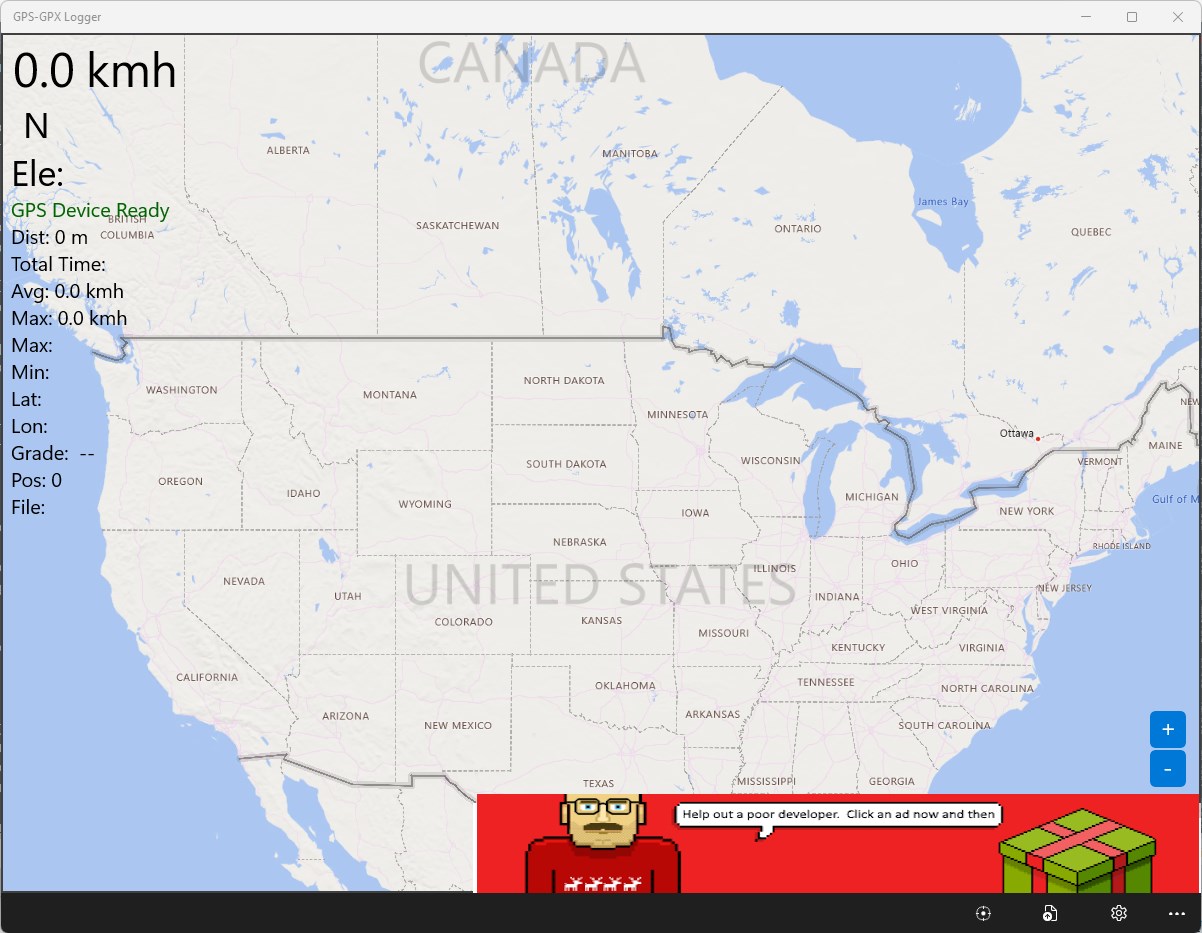
Read our expert review of GPS-GPX Logger, a robust Windows utility for real-time trip tracking, offline mapping, and seamless GPX file generation.
Real-Time Trip Tracking on Windows
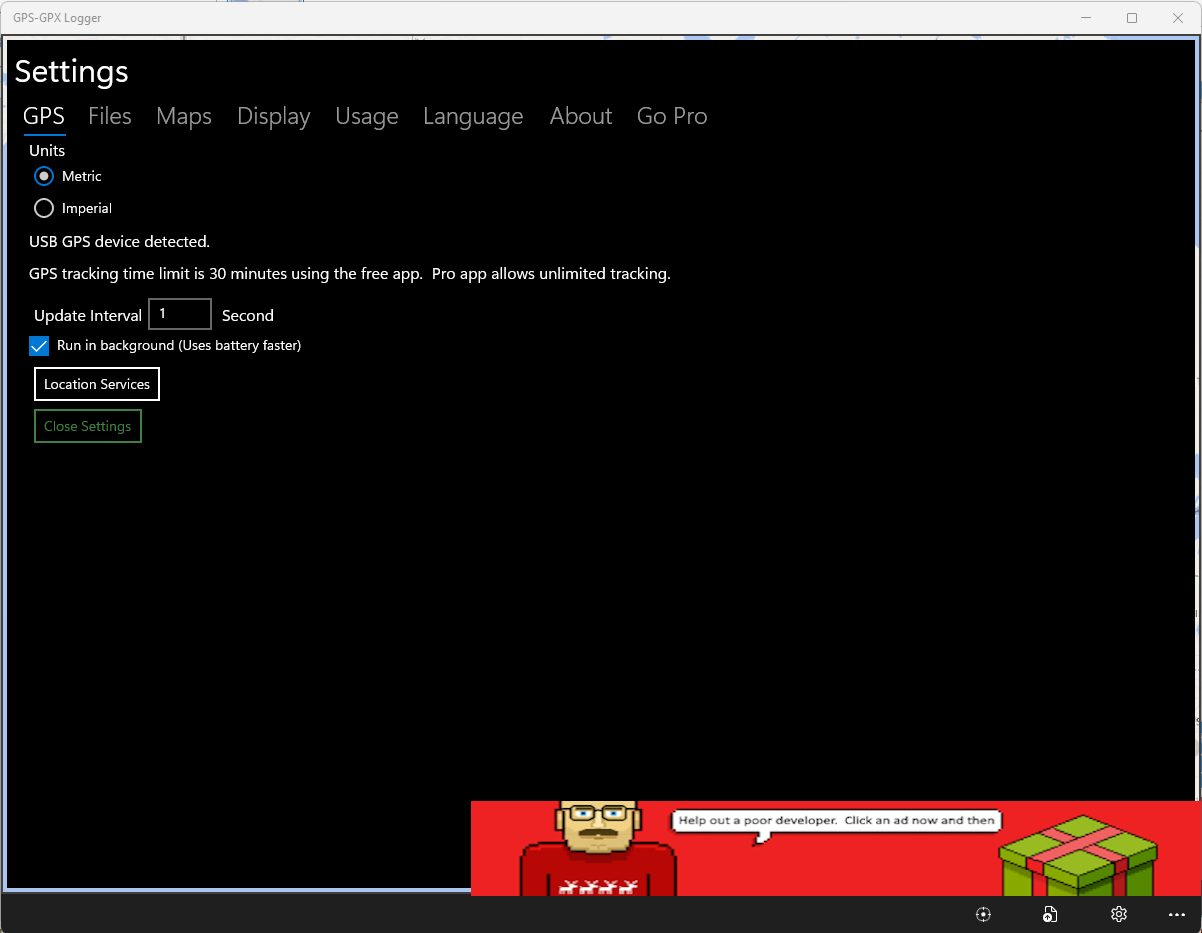
Imagine setting off on a cross-country road trip, a remote cycling expedition, or a detailed field survey, only to find your mobile mapping tools draining your battery or losing signal. The GPS-GPX Logger route tracker solves this by turning your Windows 10 or 11 PC, tablet, or legacy Windows Mobile 10 device into a dedicated, robust navigation and logging station. By connecting an external USB GPS device, you can monitor your precise path in real time and archive your travels effortlessly.
How GPS-GPX Logger Route Tracker Works
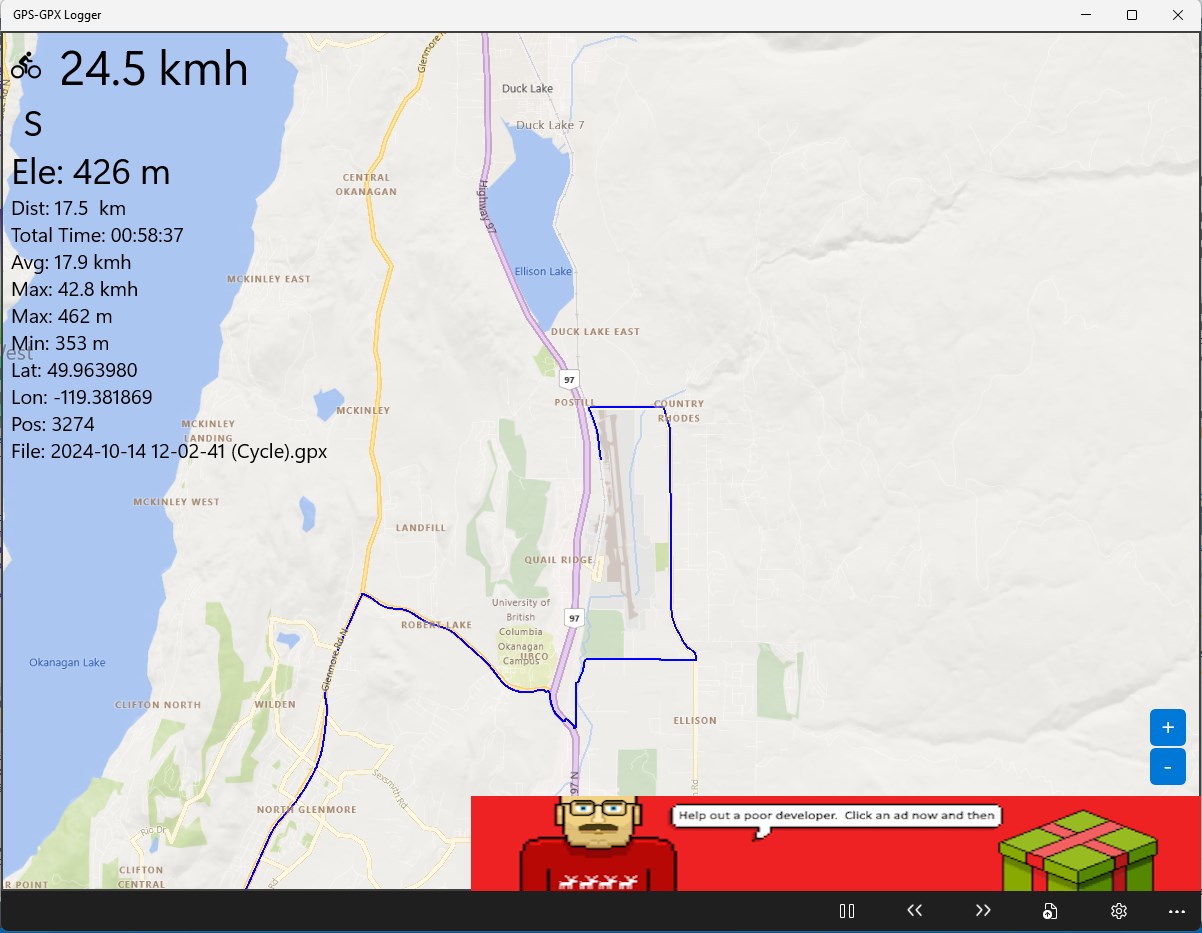
Developed by Ben Byer, this utility is designed for users who need dependable spatial logging without unnecessary complexity. As you move, the application plots your coordinates directly onto a live map. The system automatically records your path and exports it directly into a standard GPX file format. These files are highly versatile; you can replay your trips later within the app or import them into popular mapping platforms like Google Earth, Microsoft MapPoint, or Streets and Trips.
Key Features of the Base Version
- Live Map Plotting: View your active coordinates plotted in real time for up to 30 minutes per session.
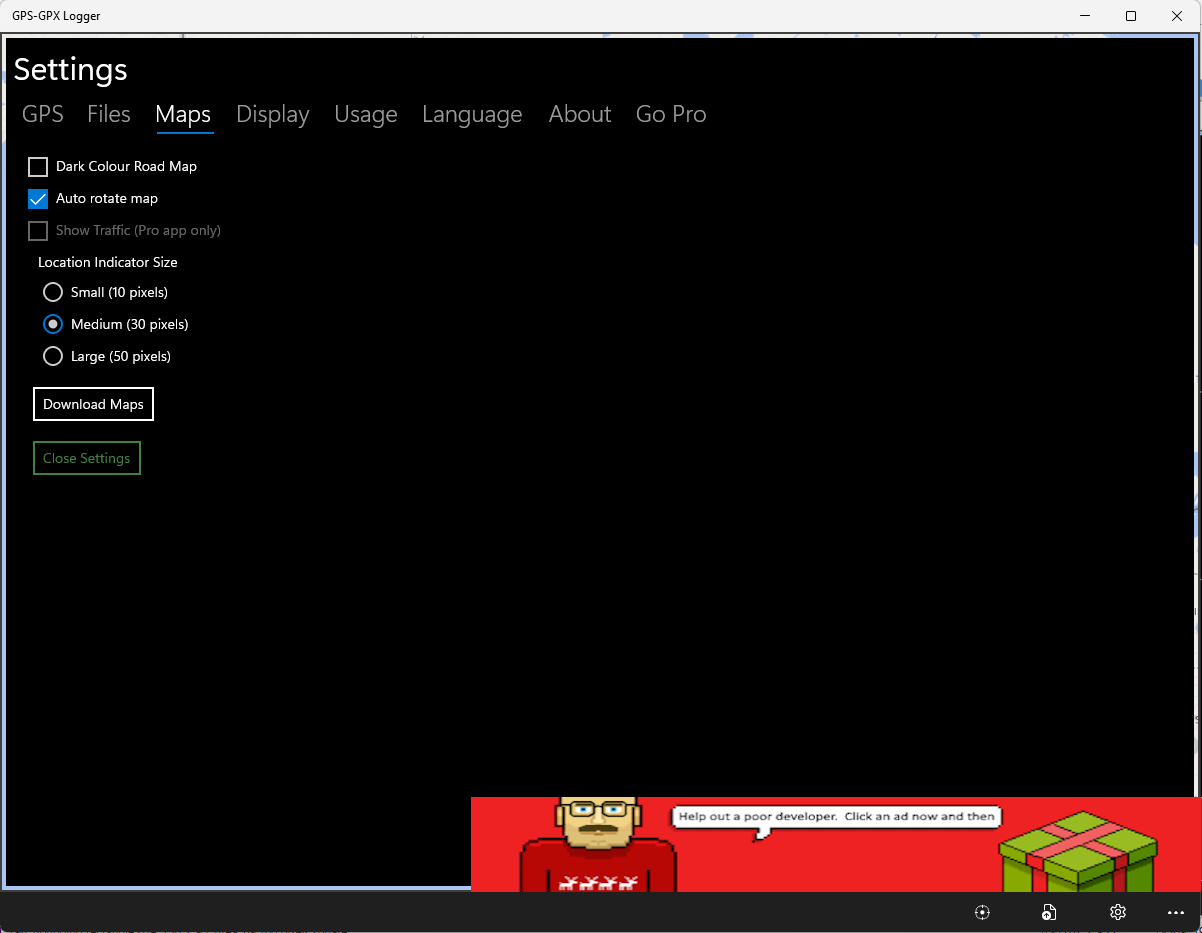
- Offline Map Capabilities: Download map tiles in advance so you can navigate and track your position even without an active internet connection.
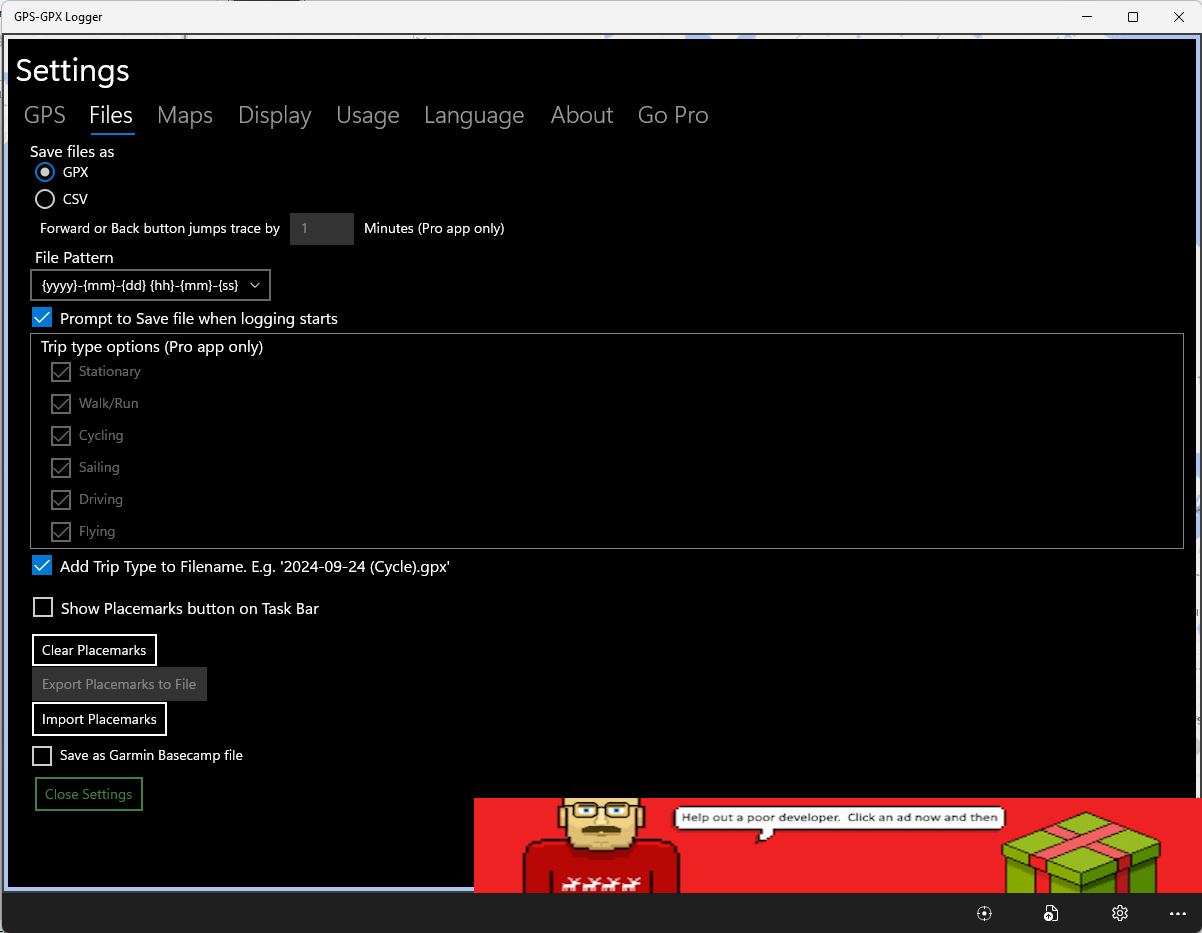
- Custom Placemarks: Save up to three custom points of interest along your route for quick reference.
- Trip Playback: Replay saved GPX files from any source at normal or accelerated speeds.
- Logbook Integration: Exported files can be synced with FreeLogBook.biz to help manage corporate fleets or digital mileage logs.
- Broad Localization: Supports over 15 languages, including English, French, German, Spanish, Chinese, and more.
Unlock More with GPS-GPX Logger Pro
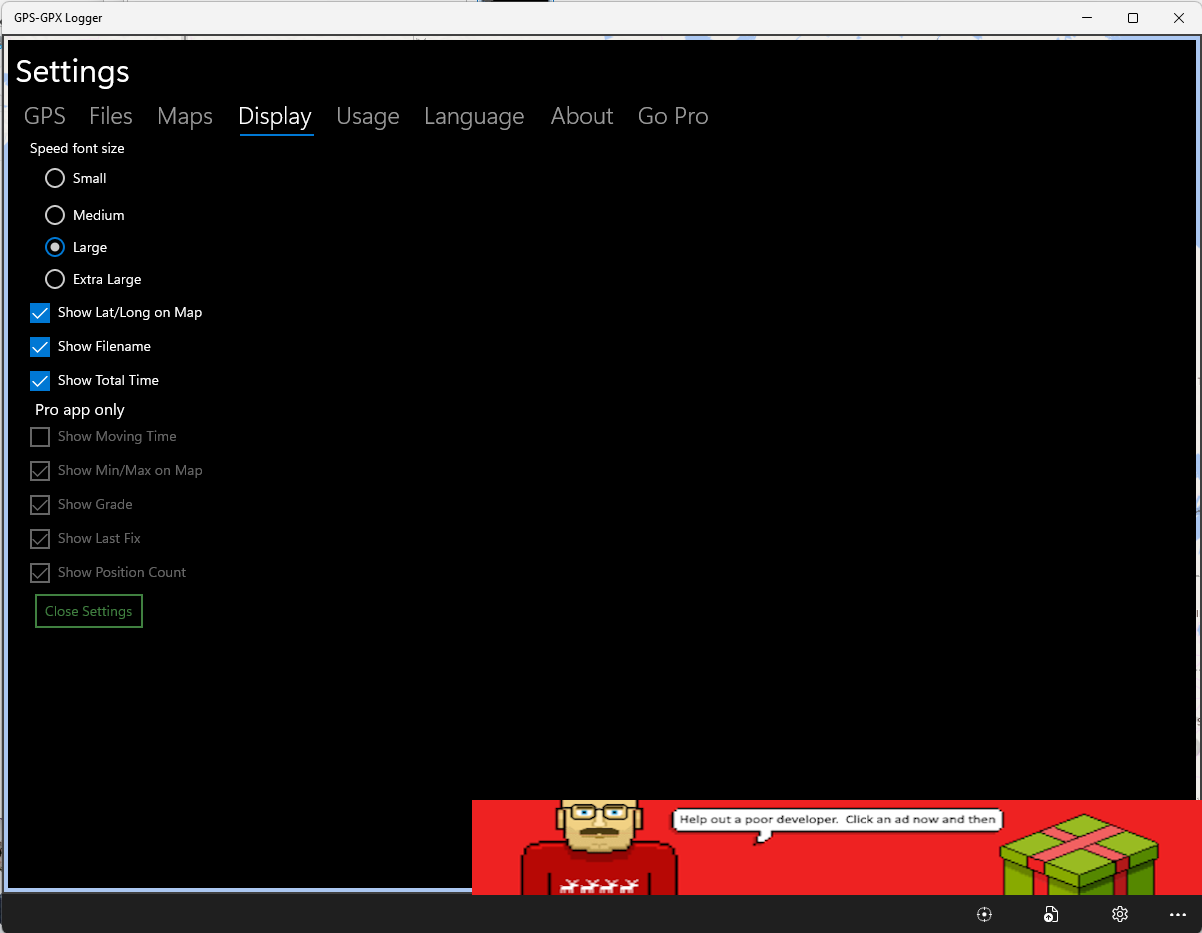
For professional users and long-distance travelers, the developer offers an upgrade to GPS-GPX Logger Pro. This premium version removes the 30-minute tracking limit for continuous logging, eliminates advertisements, and introduces terrain and satellite map views. It also adds live traffic updates, configurable skip-forward or skip-back controls during route playbacks, and unlimited custom placemarks.
An Essential Tool for Desktop Navigation
Whether you are tracking fleet vehicles for business or archiving personal outdoor adventures, the GPS-GPX Logger route tracker delivers lightweight, offline-capable utility where mobile devices often fall short. To explore its features and start logging your journeys, head over to the official Microsoft Store to download the application for your Windows device.