
GPS Routes
Read our comprehensive review of GPS Routes for Windows. Learn how to import GPX and KML files to track your journey on Bing Maps with ease.
The Challenge of Off-Road Navigation and Route Planning
Whether you are planning a scenic weekend hike, mapping out a driving holiday, or navigating unfamiliar terrain, staying on track can be surprisingly difficult. Standard navigation tools often lack the ability to import custom paths, leaving outdoor enthusiasts and drivers struggling to follow specific itineraries. The GPS Routes navigation tool solves this issue by letting you import and view your own custom path files directly on your Windows device.
What is the GPS Routes Navigation Tool?
Developed by Kathy Grobbelaar, GPS Routes navigation tool is a dedicated utility designed for the Windows platform. It functions as a lightweight, efficient viewer for GPX and KML files. Instead of relying on proprietary, closed-loop mapping ecosystems, this application gives you the freedom to load external routing data and visualize it alongside your real-time location.
Key Features and Capabilities
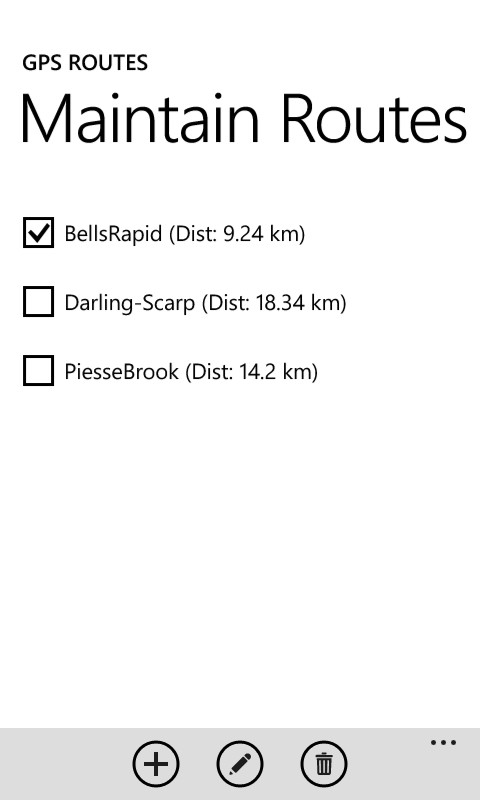
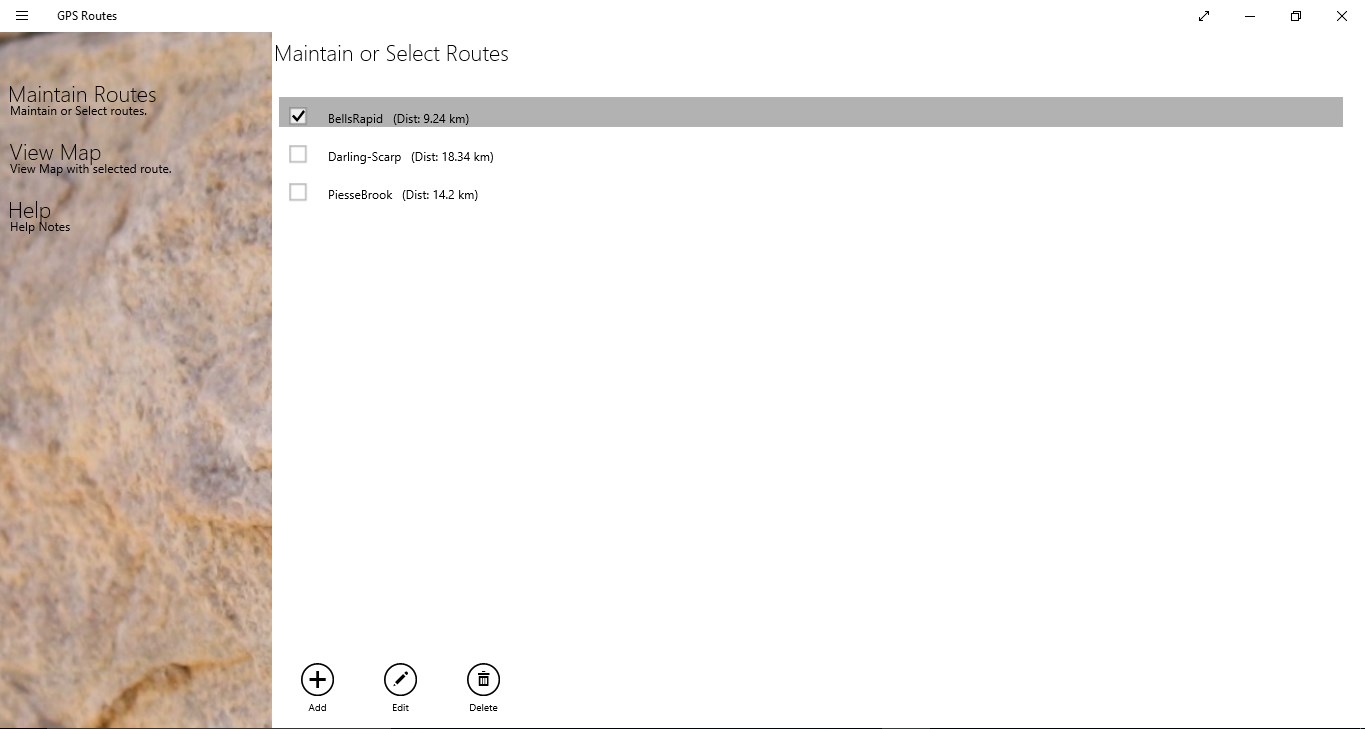
- Seamless Route Importing: Easily download GPX and KML files from your local device storage or directly from your OneDrive cloud account.
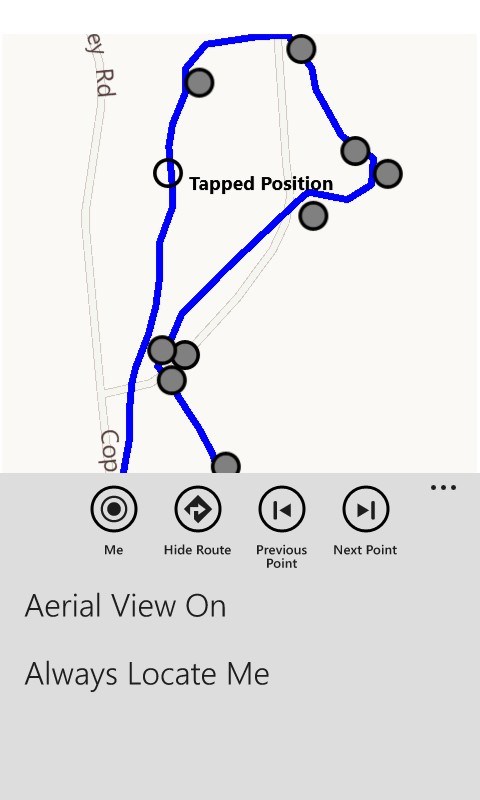
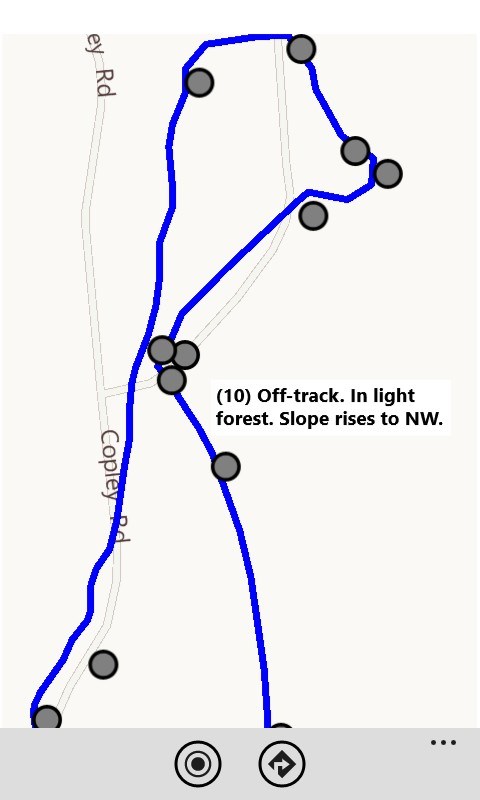
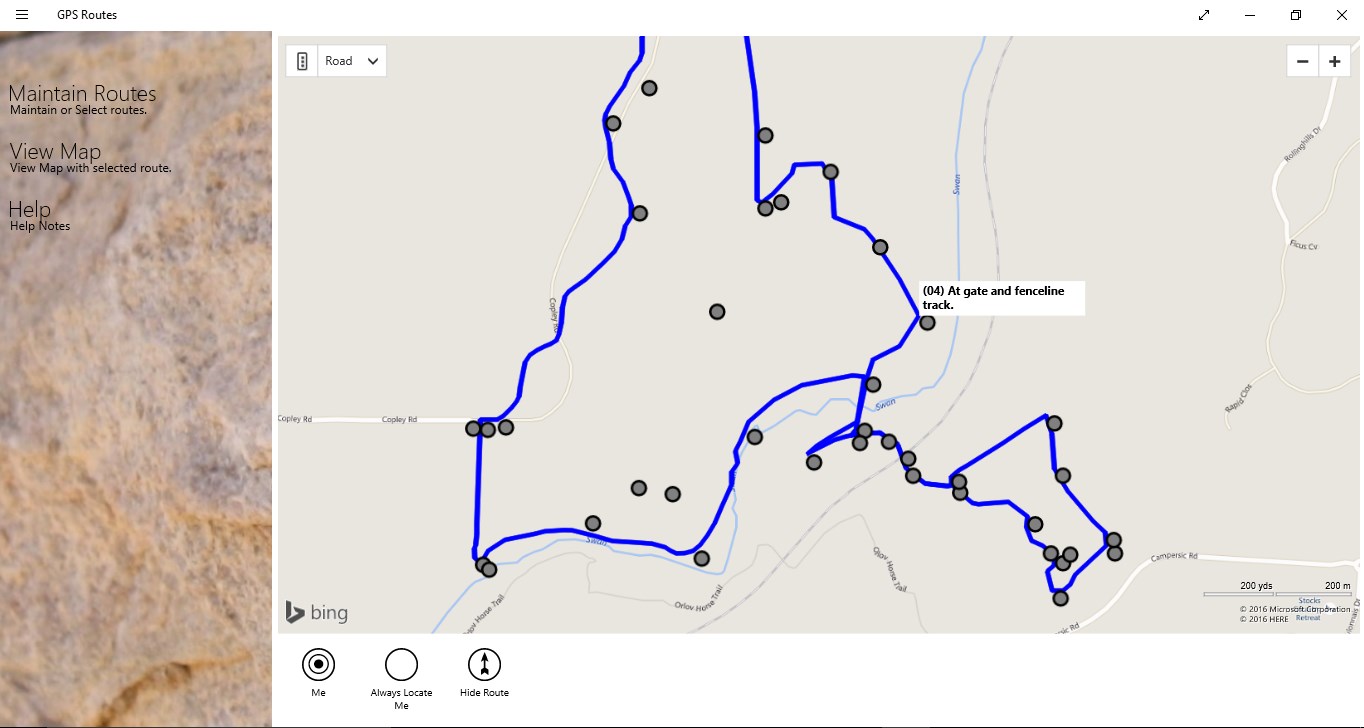
- Bing Maps Integration: Display your imported routes on a clear Bing Maps interface, allowing you to monitor your current position as you walk or drive.
- Waypoint Descriptions: View pre-defined waypoint details and descriptions along your path to ensure you never miss an important milestone or turn.
- Automatic File Launching: Set the app to auto-launch instantly whenever you open a compatible GPX or KML file on your Windows system.
Who is This App For?
This software is highly suited for hikers, cyclists, and road-trippers who prefer to pre-plan their journeys on PC-based mapping software. If you have a collection of curated trails or custom driving directions in standard spatial formats, this tool provides a straightforward, no-nonsense way to render them over a live map without complex configurations.
Editorial Verdict
The GPS Routes navigation tool is a practical utility that delivers exactly what it promises: uncomplicated GPX and KML rendering on Windows. By stripping away unnecessary bloat and focusing on core file-reading and real-time positioning, it serves as a highly reliable companion for your next journey.
To explore this application further and add it to your navigation toolkit, visit the official Microsoft Store page to view more details.