File Master - document manager
Read our comprehensive review of File Master - document manager for iOS. Discover how this powerful tool simplifies mobile file organization and cloud backups.
An All-in-One Hub for Mobile File Organization
Managing a diverse range of files on iOS can often feel fragmented. File Master - document manager, developed by 俐 马, addresses this challenge by serving as a centralized workspace. Classified under the tools category, this application acts as a robust local hub where you can store, view, and organize your documents, media, and archives without hopping between multiple single-purpose utilities.
Versatile Media Playback and Document Viewing
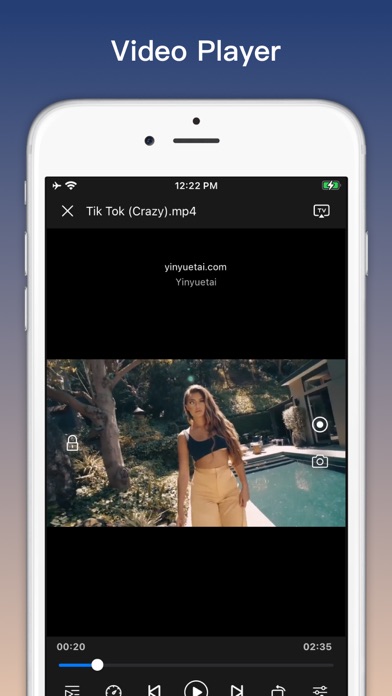
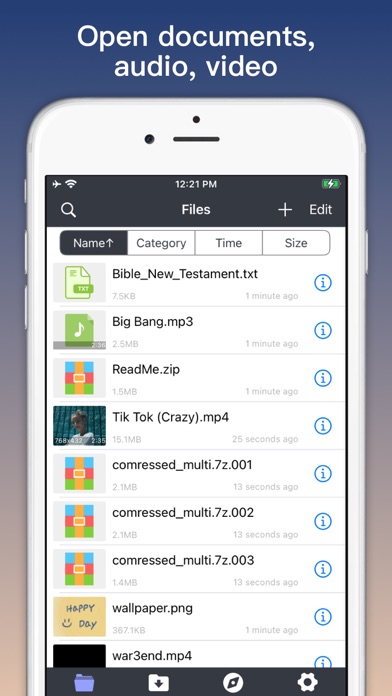
One of the standout aspects of the File Master - document manager is its native compatibility with an extensive list of file formats. Users do not need separate media players or document readers to view their content. The built-in media engine supports video and audio formats ranging from MP4, AVI, and MKV to MP3, WAV, and AAC. Additionally, for users who enjoy consuming media on larger screens, the application features casting capabilities compatible with AirPlay, Chromecast, and DLNA protocols.
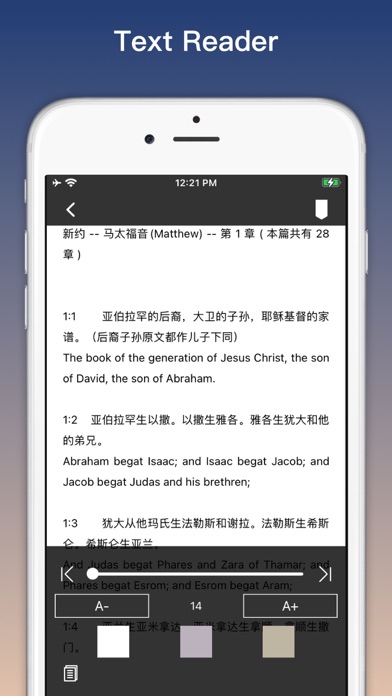
For professionals and students handling text-heavy tasks, the integrated text reader easily parses files such as TXT, PDF, CHM, EPUB, DOC, PPT, and XLS. This makes it incredibly straightforward to review presentations, spreadsheets, or ebooks directly inside a single interface.
Advanced Archiving and Local Network Connectivity
File Master - document manager excels at handling compressed files. Whether you are dealing with standard ZIP and RAR files or multi-volume archives like .7z.001 or .zip.001, the built-in extraction tool handles them seamlessly. You can also compress imported media files into ZIP archives to save space or prepare them for sharing.
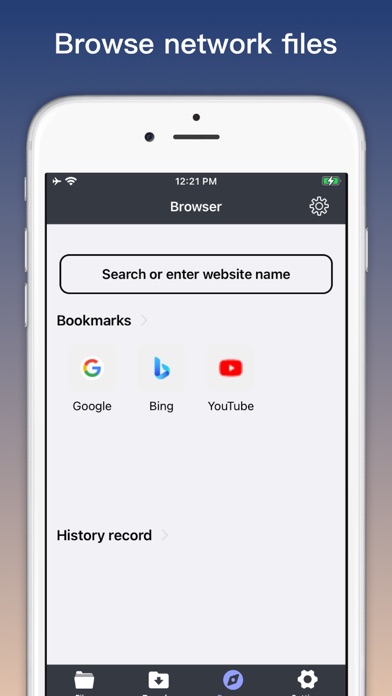
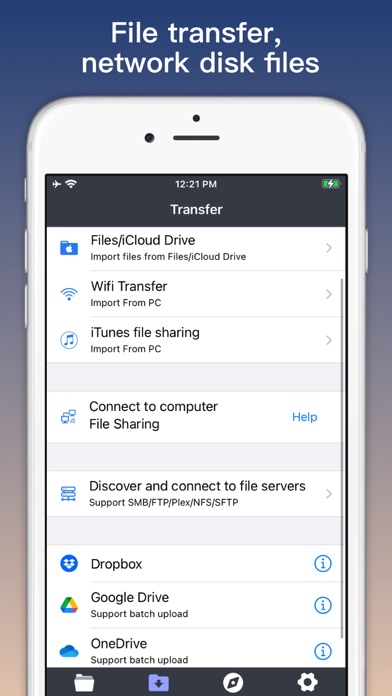
Network-conscious users will appreciate the seamless local integration options. The application supports connecting directly to file servers over a local area network (LAN) using protocols such as SMB, FTP, SFTP, and NFS. Furthermore, you can transfer files to and from a computer browser in the same Wi-Fi network, bypassing the need for physical cables.
Secure Cloud Integration and Data Protection
To ensure your workflow remains flexible, File Master - document manager links directly with popular cloud storage solutions, including Google Drive, Dropbox, OneDrive, and iCloud. This lets you download, backup, and sync documents effortlessly. For sensitive information, the app features a built-in file vault secured by a passcode lock, adding an extra layer of privacy to your confidential documents.
Is This Document Manager Right for You?
If you find the default iOS file management limiting, File Master - document manager offers the advanced utility, network protocol support, and archive management tools required for a more desktop-like experience on your mobile device. To explore its features and interface further, you can check it out on the official Apple App Store.