
Noob Music
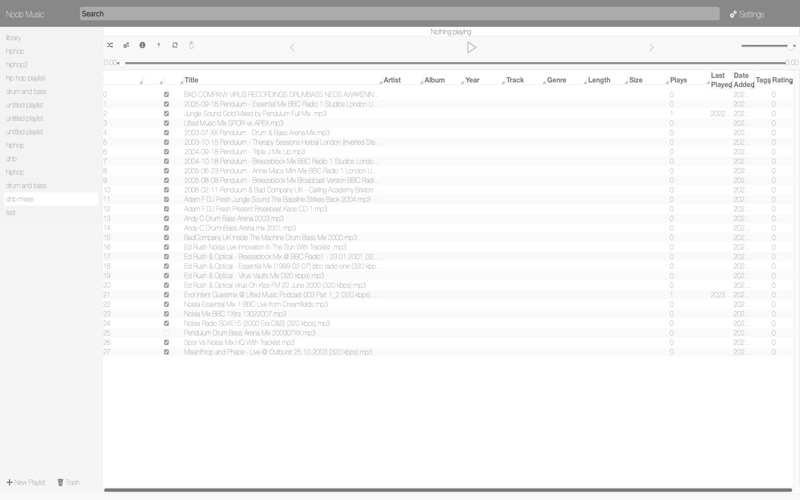
Read our comprehensive review of Noob Music, a specialized Mac music player featuring unique color-tag shuffling and advanced chaotic random algorithms.
An Innovative Take on Library Management
Noob Music player redefines how Mac users interact with their local audio files by introducing a highly structured, color-coded approach to playlist generation. Designed by Sigurdur Tomasson, this media application targets audiophiles who possess massive local libraries and find traditional playlist creation tedious. Instead of manually curating tracks, users can leverage color tags to automate balanced, diverse playback queues.
The Power of Rainbow Tag Shuffling
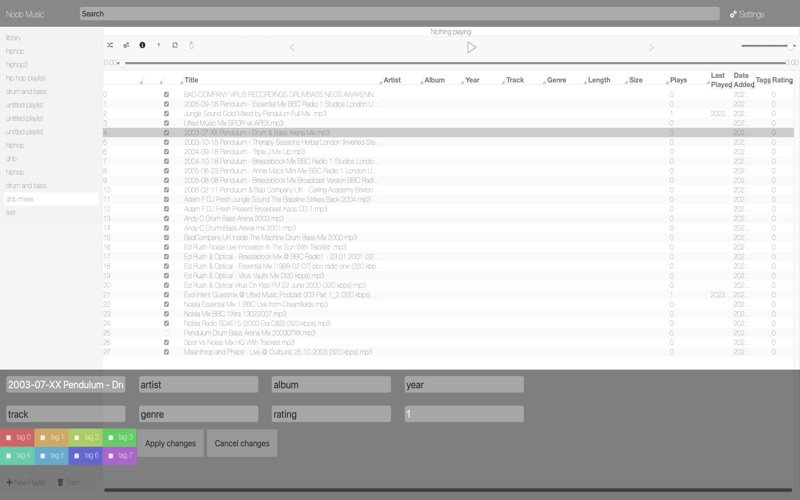
The standout feature of the Noob Music player is its unique "rainbow" tag-shuffling mechanism. By assigning custom color-tags to different segments of your library, you can program the app to cycle through these tags systematically. This ensures that your shuffled queue maintains a consistent, curated transition of genres or moods without manual sorting. For those who prefer classic playback, the application also supports traditional random shuffling.
Advanced Chaotic Randomization
Unlike standard media players that rely on predictable pseudo-random algorithms, this software utilizes NumRand—a random number generator based on chaotic motion. This ensures a truly unpredictable mix of songs. Because this mathematical randomization method is highly complex, indexing and shuffling exceptionally large libraries can take a few moments, but the auditory variety is well worth the brief wait.
Robust Querying and Custom Searches
For power users, finding specific tracks is incredibly efficient. The application features a command-line style search bar that supports detailed query strings. Users can filter their libraries using specific columns separated by semicolons and colons. Searchable parameters include:
- Track metadata (Title, Artist, Album, Year, Genre)
- Play metrics (Plays, Last Played, Date Added)
- Technical details (Length in seconds, relative file path, numeric tag values)
Additionally, you can save complex search queries for instant deployment later, or utilize relative date shorthand (such as "3w" for three weeks or "1y" for one year) to quickly locate recently added music.
Flexible File Support and Library Customization
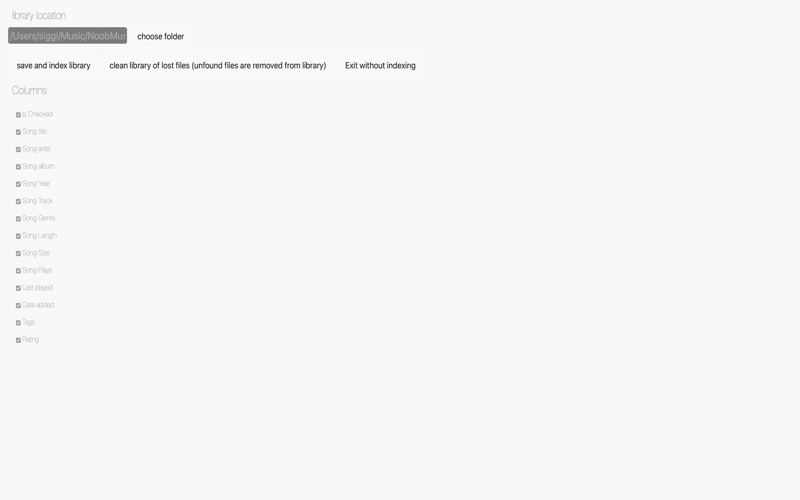
The app is highly compatible with a wide range of high-fidelity and standard audio formats, including MP3, M4A, WAV, FLAC, and AIF. Users can set a primary music folder and configure multiple secondary storage locations. To customize the interface, the software offers adjustable visual themes in the settings panel, alongside advanced playlist nesting where folders and collections can be dragged and dropped into multi-level hierarchies.
Is It Right For You?
If you prefer local file playback over streaming and want unparalleled control over your shuffle algorithms, this utility offers tools unmatched by standard media players. To experience this unique color-tagging system firsthand, visit the official Mac App Store to download the application today.